
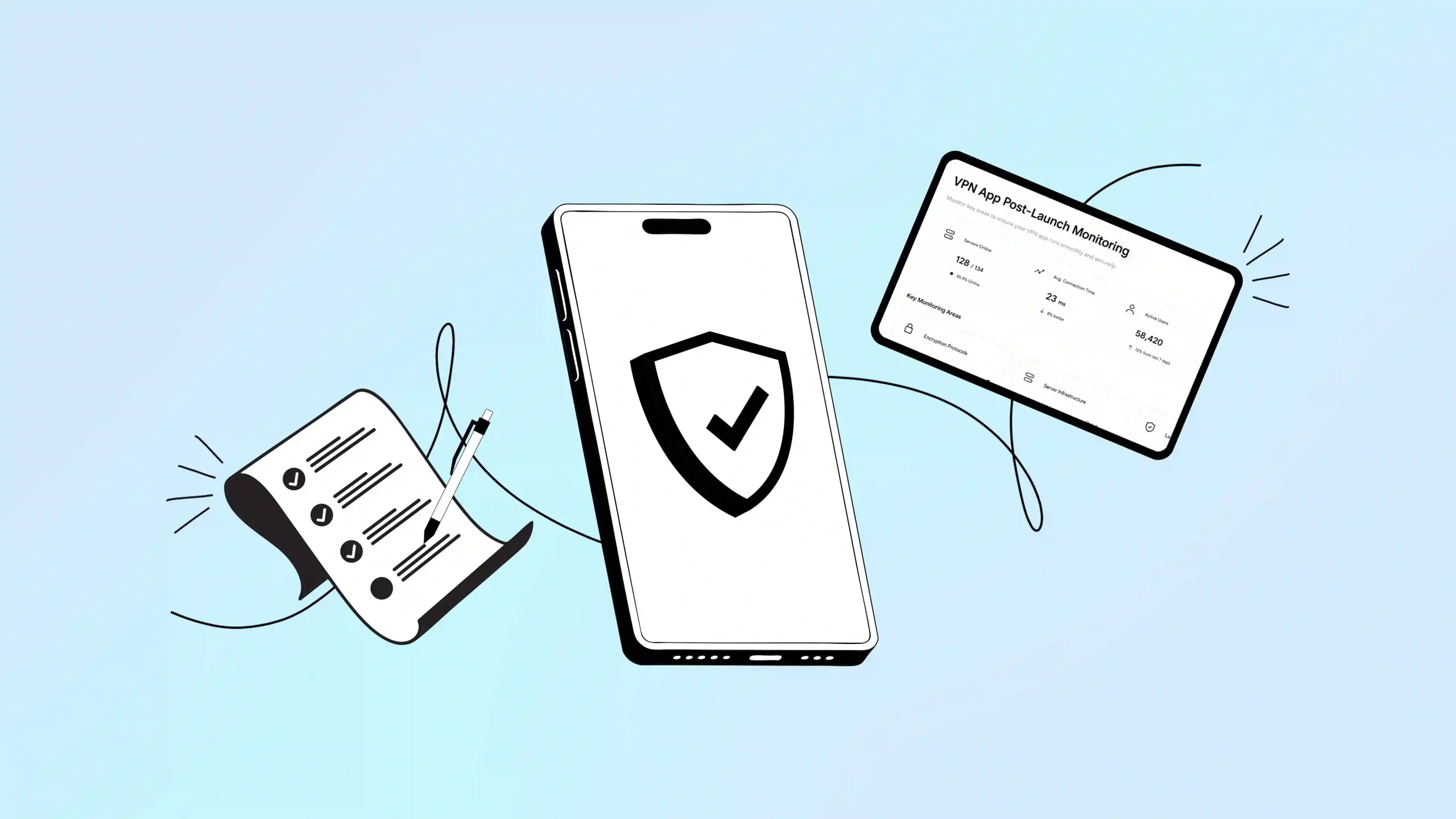
If you want your VPN app to hold its ground in a crowded market, you need constant monitoring and steady optimization. Users expect airtight encryption and fast, lag-free speeds. One privacy slip or one buggy update, and you lose their trust for good. To stay worry-free, keep this checklist after your VPN development.
What is a VPN app post-launch checklist?
A VPN app post-launch checklist is a working plan you follow after your app goes live. Its job is to keep the app running smoothly, stay secure, and keep growing its user base. It covers server performance, UX improvements, privacy standards, and how you act on user feedback.
Specifically, it means testing and monitoring:
- Encryption protocols
- Server infrastructure
- Leak protection (DNS, IPv6, WebRTC)
- Connection stability
- Privacy compliance
- App security
In short, this checklist keeps your private browsing network secure, scalable, and worth trusting.
Why performance optimization matters for VPN apps
A 2026 investigation by TechRadar found that 77 percent of the Android VPN apps it studied failed basic accountability and transparency checks, such as having a working website, a real privacy policy, or a reachable support email. That strongly reminds us that trust in this space must be earned and maintained, not assumed.
A solid checklist protects user privacy, defends against online threats, and keeps performance consistent across devices and operating systems. Regular testing and monitoring catch data leaks early, fix bugs faster, and help the app adjust as networks change.
Here are five reasons post-release testing is non-negotiable:
# Security and threat prevention: Your infrastructure needs constant monitoring to catch vulnerabilities early. Regular checks help block interception attempts and keep user data inside the encrypted tunnel where it belongs.
# OS and device compatibility: New browser, Android, or iOS updates can quietly break your security tunnel. Frequent updates keep the app working the way it should.
# Performance and reliability: Tracking latency, disconnects, and server downtime protects user trust and retention.
# User experience and feature effectiveness: Post-release testing surfaces bugs that quietly hurt performance. Feedback and in-app analytics show where features fall short.
# Compliance and privacy standards: Ongoing testing keeps the app aligned with evolving regional data privacy laws.
The complete VPN app post-launch checklist for 2026
Step 1: Monitor app stability and network performance
An encrypted tunnel network only earns trust if it runs smoothly. Focus on these:
| Focus area | What to do |
| Crash detection and real-time alerts | Monitoring tools like Crashlytics flag crashes the moment they happen, so you can fix them fast. |
| Connection reliability metrics | Track successful connections by location, server, and protocol, then dig into whatever is causing failures. |
| Leak detection | Confirm your VPN hides the IP address correctly using tools such as ipleak.net or dnsleaktest.com. |
| Server load and latency monitoring | Watch bandwidth, response time, and user load, and scale infrastructure before it becomes a problem. |
| Protocol performance checks | Make sure protocols like WireGuard, OpenVPN, and IKEv2 stay stable and switch smoothly when needed. |
| Leak prevention testing | Regularly test for DNS, IPv6, and WebRTC leaks so user data stays protected. |
Step 2: Improve user experience and customer support
A VPN loses its appeal fast if the interface is confusing or support is slow. After launch, make sure you:
| Focus area | What to do |
| Review app store feedback | Respond to reviews on iOS and Android quickly to catch pain points early. |
| Polish the UI and UX | Simplify installation and show connection status, security, and IP masking with clear, instant feedback. |
| Test the kill switch thoroughly | Confirm it blocks traffic if the connection drops. Pair it with split tunneling so users can exclude trusted apps and keep them running fast. |
| Offer support across channels | Chatbots, email, and live agents together handle issues faster than any one channel alone. |
| Use real-time analytics | A centralized dashboard helps you catch slow speeds and failed connections as they happen, not after complaints pile up. |
Step 3: Track revenue and subscription health
Poor monetization, like intrusive ads or excessive data collection, can quietly cost you both revenue and user trust. Focus on:
| Focus area | What to do |
| In-app purchase verification | Test subscription flows, renewals, and payments on every platform. |
| Monthly recurring revenue (MRR) | For example, 1,000 customers paying $9.99 a month gives you $9,990 in MRR. |
| Subscriber churn rate | Formula: customers lost ÷ total customers at the start × 100. |
| Conversion tracking | Measure how many free users upgrade to paid plans, then refine the prompts and offers that drive it. |
| Subscription accuracy | Confirm your backend handles cancellations, renewals, and expirations correctly. |
| Payment success rate | Aim to keep this above 85 percent. Every failed payment is lost revenue. |
- Check weekly: new signups and cancellations, payment failures, MRR versus last week, churn trend, top cancellation reasons, and cohort retention.
- Healthy benchmarks: monthly churn under 5%, trial-to-paid conversion between 25 to 35%, annual renewal above 60%, MRR growth of 10 to 20% a month early on (30 to 50% once established), payment success above 85%, and customer lifetime value at least 3x acquisition cost.
Step 4: Focus on marketing and growth
| Focus area | What to do |
| Update your App Store listing regularly | Refresh titles, descriptions, screenshots, and preview videos based on what is converting. |
| Use Apple Search Ads | Reach high-intent users already looking for what you offer. |
| Run performance marketing campaigns | Short-form video on TikTok, Meta, and LinkedIn tends to perform well, especially when it shows the app in action. |
| Track the full funnel | Follow the path from website visit to download to payment, and fix drop-off points. |
| Run targeted campaigns | Aim at privacy-conscious users, gamers, or streamers. |
| Invest in content marketing | Publish helpful, well-optimized content and track its performance in Google Search Console. |
| Offer a free-to-paid path | Let people try the service before committing. |
Useful tools: Google Analytics, Semrush or Ahrefs, Meta Pixel, Hotjar, Optimizely or VWO, and your payment processor’s own analytics.
Step 5: Maintain security and compliance
- Revisit your logging policy: Confirm your infrastructure genuinely avoids storing user activity.
- Run penetration tests after launch: Catch vulnerabilities before anyone else finds them.
- Check regulatory compliance: Align with GDPR, CCPA, and other relevant privacy laws as they get updated.
VPN post-launch checklist at a glance
| Area | Where to focus | Key metrics |
| App stability | Crashes, connection reliability, server load, latency, leak tests | Crash rate, connection success rate, response time |
| User experience | UI/UX, app store feedback, kill switch, multi-channel support | User ratings, support response time |
| Revenue | In-app purchases, upgrades, subscription management | MRR, churn under 5%, payment success above 85% |
| Marketing | App Store listing, paid ads, creator partnerships, funnel tracking | DAU, downloads, conversion rate |
| Security | Penetration testing, GDPR/CCPA compliance | Audit results, compliance checks |
10 common VPN setup and security mistakes to avoid
- Skipping security audits and penetration testing before launch
- Ignoring DNS, IP, and WebRTC leaks
- Building weak server infrastructure with limited coverage
- Not testing the kill switch across every platform
- Neglecting App Store Optimization for apps
- Writing meaningless privacy and logging policy that lacks real transparency
- Skipping analytics and crash reporting tools
- Confusing subscription tiers or pricing
- Not localizing for international markets
- Launching without a post-launch marketing plan
Final thoughts: stay protected with Symlex VPN
The VPN market does not prefer shortcuts. So you have to follow a clinical process to give users the best experience and survive in a growing market. Users love services that lead with security, transparency, and consistent performance.
FAQs about VPN app post-launch optimization
A structured process to confirm a VPN app still runs securely, performs well, and stays reliable after launch.
No fixed schedule, but regularly, and always after a major infrastructure change or reported issue.
Check your IP and DNS before and after connecting using ipleak.net, dnsleaktest.com, or BrowserLeaks. A working VPN hides your real IP and location.
Connection success rate, server uptime, speed stability, and low packet loss.
It helps catch cyber threats, server failures, and performance issues before they reach users.
Partly. Free tiers of Google Analytics and Crashlytics plus manual leak testing cover the basics. Real-time monitoring at scale usually needs paid tools.
Daily: crash rate, connection success, uptime. Weekly: leak tests, payment success, churn trend. Monthly: full audit, MRR growth, cohort retention.
Typically two to four weeks for solid, comprehensive results.